AI social media automation: the create → publish → measure loop
- ai social media automation
- automate social media with ai
- content automation
- social media scheduler
- faceless content
- analytics feedback loop
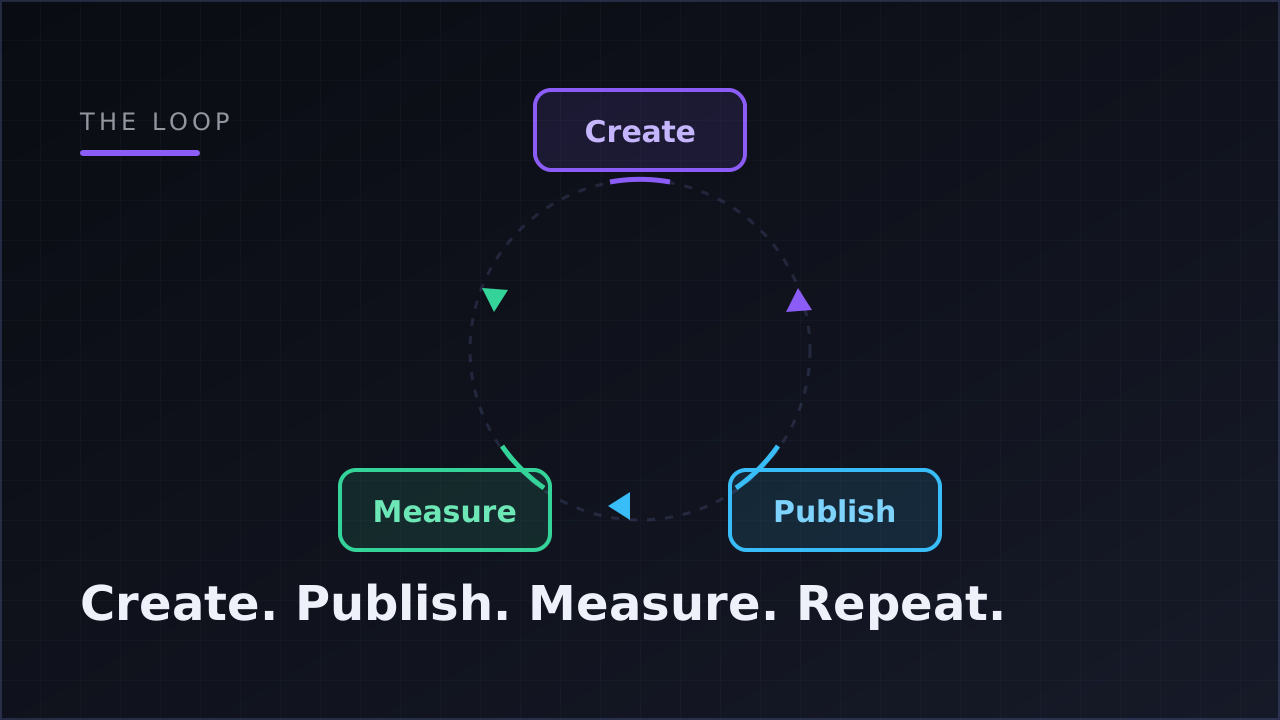
AI social media automation is a system where content is created, published, and measured with minimal manual work: an AI generates the posts, publishes them natively to each platform on a schedule, and feeds performance data back into what gets made next. The best setups run as a closed loop, not a queue of scheduled posts.
That last part is the piece most tools skip, and it's what this guide is about. Anyone can queue thirty posts on a Sunday night. The interesting question is what happens after they go out — and whether your system learns anything from it.
What is social media automation — and what changed with AI
Social media automation used to mean one thing: scheduling. You wrote the posts yourself, loaded them into a calendar tool, and the tool pushed them out at set times. The work of deciding what to make, making it, and figuring out whether it worked stayed entirely on you. The automation saved you the act of pressing "post" at 9 a.m. — nothing else.
AI changed the boundaries of what can be automated. Script writing, voiceover, visuals, captions, and platform-appropriate titles can now be generated rather than produced by hand. That moves automation upstream, into creation itself. And because platforms expose performance data through official APIs, automation can also move downstream, into measurement.
Put those together and you get something categorically different from a scheduler: a pipeline where an idea becomes a finished post, the post publishes itself, the numbers come back automatically, and the numbers influence the next post. Create, publish, measure, repeat.
A useful test for any tool that claims "AI social media automation": ask which of the three stages it actually automates. Most automate exactly one.
How does AI social media automation work? The three stages
Here is the loop in practice, stage by stage, using a faceless account as the running example — a niche channel posting daily motivation videos, finance explainers, or story content without anyone appearing on camera. Faceless operators feel the pain of manual production most sharply, because they publish at volume across platforms and every video is built from parts (script, voice, visuals, captions) rather than filmed.
Stage 1: create
Creation is where AI does the heaviest lifting. A modern faceless video pipeline looks like this: you give it a topic, and it writes a scene-by-scene script, generates a voiceover with word-level timing, assembles visuals (portrait stock footage, AI-generated images with subtle motion, or looping background video), overlays animated word-by-word captions synced to the voice, and renders a vertical 1080×1920 MP4 with music. Each stage runs in sequence, and a well-built pipeline shows progress per stage and can resume from a failed stage instead of starting over.
The same applies to image and text posts. Given brand context — a few uploaded images, a document, some tone-of-voice copy — an AI can draft on-brand posts and write the platform-appropriate caption or title for each one, so a YouTube title and a TikTok caption aren't the same string awkwardly pasted twice.
Creation is also where costs live, which is why per-video cost visibility matters. Klipsy's Studio, for example, shows a per-stage cost estimate for every video before and during generation, so you know what a video costs to produce rather than discovering it on an invoice. We break the unit economics down fully in what AI faceless content actually costs — but the short version is: producing at a daily cadence without knowing your cost per video is how budgets quietly disappear.
Stage 2: publish
Publishing sounds like the boring stage. It's the one that gets accounts in trouble.
There are two ways software can post for you. The sketchy way is repost automation: a bot logs in as you, or content gets funneled through a third-party re-uploader, often with a watermark. The safe way is native publishing through each platform's official API, authorized via OAuth — the same "connect your account" flow you've used for other legitimate apps. Native publishing means the platform itself accepts the upload, knows which app posted it, and gave that app explicit, limited permission to do so.
The details of the token model are worth understanding if you're anxious about account safety (most faceless operators are, reasonably). Permissions should be scoped — publish and read analytics, nothing more. Tokens should be encrypted at rest, refreshed automatically before they expire, and revocable the moment you disconnect. The tool never sees your password. That architecture is the difference between "automation" that violates platform terms and automation platforms explicitly support. We cover the rules question in depth in is automating TikTok and YouTube against the rules?
Good publishing is also parallel and honest about failure. One video going to TikTok, YouTube Shorts, and Instagram Reels should be three independent publish attempts: each succeeds or fails on its own, with a readable reason ("Reconnect TikTok") rather than a silent drop. A post ends up completed, partially failed, or failed — and failed targets can be retried without re-uploading everything else. Each platform also rewards different things from the same vertical video; what TikTok, YouTube and Instagram each want from short-form covers how to tune one pipeline for all three.
The scheduling layer on top is where cadence lives. Instead of a calendar you drag posts onto, the more durable pattern is a standing rule: this content template, on this schedule (daily, every N days, or weekly at a set time in your timezone), to these accounts. Some tools express this as a visual canvas — template wired to scheduler wired to accounts — which makes a multi-account setup legible at a glance. Two properties matter more than the visuals: concurrency limits (so ten videos don't render at once and blow your budget) and idempotent publishing (so a retried job never double-posts).
Stage 3: measure
Measurement is the stage that turns a pipeline into a loop.
The platforms' official APIs expose per-post performance — views, likes, comments, and shares — and an automated system can collect those hourly for every post it published. Over time that produces a per-post time series (how did this video accumulate views over its first 72 hours?), side-by-side comparisons (put up to five posts against each other over 30 days), and project-level rollups: lifetime totals, a 30-day trend per platform, your top posts.
The single most useful output, though, isn't any individual post's numbers. It's the aggregate answer to: which content recipe is winning? When every post is generated from a template, performance can be attributed to the template — and suddenly you know that your story-format videos outperform your listicle-format videos by a wide margin across the last month. That's the best-performing-template signal, and it's the flywheel: it tells you what to make more of. Klipsy surfaces this directly on the project dashboard, because it's the one number that should drive the next scheduling decision.
Be skeptical of tools that imply richer metrics than the platforms actually hand over. Watch time, retention curves, and click-through data are either unavailable or inconsistently available via public APIs; a system that honestly collects views, likes, comments, and shares beats one that decorates dashboards with estimates.
Scheduler vs. closed loop: the practical difference
| Scheduler | Closed loop | |
|---|---|---|
| Content creation | You make everything by hand | AI generates video/image/text from a template |
| Publishing | Pushes at scheduled times | Native API publishing on a cadence, per-target success/fail, retries |
| Analytics | Basic, often manual export | Hourly collection, per-post time series, template-level attribution |
| What improves over time | Nothing — same effort every week | The system tells you which template to double down on |
| Your weekly job | Produce and load content | Review drafts, read the template signal, adjust cadence |
The right column is not "more features." It's a different shape of system: the output of stage three feeds stage one. A scheduler's workload is flat forever; a loop's workload shifts from production to judgment.
The benefits of AI social media automation that actually matter
Most writing on this topic promises vague time savings. The concrete benefits, in rough order of importance for a small operator:
Consistency you don't have to manufacture. Cadence beats intensity on short-form platforms. A system that produces and publishes daily without your involvement removes the single most common failure mode: the account that goes quiet in week three.
Attribution you can act on. When posts are handmade one-offs, you can't say why one worked. When posts come from templates, wins are reproducible — you rerun the winning recipe.
Real unit economics. Per-stage cost estimates mean you know your cost per video, which makes "should I post daily or twice daily?" an arithmetic question instead of a vibe.
Platform safety by architecture. Official OAuth, scoped tokens, no watermarks, no password sharing — the boring, correct plumbing that keeps a faceless account durable.
Failure that's visible. Independent per-platform targets with retry beat the silent failures of duct-taped automation chains, where a broken step can go unnoticed for days.
Can AI manage my social media on its own?
Honestly: mostly, and the "mostly" is load-bearing.
The mechanical middle of the job — producing the asset, publishing it everywhere, collecting numbers — automates well, and there's little value in a human doing any of it by hand. The edges automate badly. Choosing a niche, judging whether a generated draft is on-brand, noticing that a template is fatiguing, deciding to shift strategy: that's operator judgment, and it's where your time should go once the middle is automated.
Two features make the human-in-the-loop practical rather than theoretical. The first is review mode: generated posts land as drafts that wait for your approval instead of publishing straight to the feed — the right default while you're calibrating trust in a new template. The second is the template-level analytics signal described above, which compresses "stare at dashboards" into a single decision: keep, kill, or scale each template.
So the accurate answer to "can AI manage my social media?" is: AI can run the production line; you still run the company.
How to automate social media with AI: a six-step setup
- Pick one niche and one format. Motivation quotes, finance facts, story narration — one clear recipe. Automation amplifies whatever you feed it, including incoherence.
- Codify the recipe as a template. Script style, voice, visual style, caption treatment. The template is the unit everything else (scheduling, analytics) attaches to.
- Connect accounts via official OAuth only. If a tool asks for your password, close the tab. Check that permissions are scoped to publishing and analytics, and that you can revoke access.
- Start with review mode on. Let the system generate on schedule but hold drafts for approval. Approve manually for a week or two until the output is reliably on-brand.
- Set a sustainable cadence. Daily is the default for short-form; every-other-day is fine while you validate. Set the posting time in your audience's timezone, not yours.
- Read one number weekly. Best-performing template. Scale what wins, cut what doesn't, and only then consider a second template or a second niche.
For the stage-by-stage walkthrough of what this looks like inside an actual pipeline — including where each stage breaks — see content automation workflows: idea to analytics.
FAQ
Can AI really manage my social media by itself?
It can run production, publishing, and measurement end to end. It can't pick your niche, judge brand fit, or decide strategy. Use review mode until you trust a template, then let it run and spend your time on the template-level signal instead of individual posts.
Is AI social media automation against platform rules?
Not when it publishes natively through each platform's official API with OAuth authorization — that's the integration path platforms themselves provide to approved apps. What risks accounts is the other kind: password-sharing bots and watermark reposting through unofficial channels. The distinction matters enough that we wrote a full post on it.
Which platforms can I publish to automatically?
Native automated publishing covers TikTok, YouTube Shorts, Instagram (Reels, images, and Stories) and X — with the platform-specific caveat that X takes text and image posts, while video formats go to the three video platforms. Treat any tool that's vague about which platforms are actually connected as a yellow flag.
How does the system know which content is working?
It collects views, likes, comments, and shares hourly from each platform's official API, tracks them per post over time, and attributes performance to the template each post came from. The best-performing template — not any single viral post — is the signal worth acting on.
Do I have to approve every post before it goes out?
Only if you want to. Review mode holds every generated post as a draft until you approve it; switching it off lets the loop run fully automatically on its schedule. Most operators start with review on and relax it per template as trust builds.