Klipsy vs Buffer, Hootsuite, Later and AutoShorts: which tool does what
- klipsy alternatives
- buffer vs klipsy
- social media automation tool comparison
- faceless video tool comparison
- autoshorts alternative
- best social media automation tool 2026
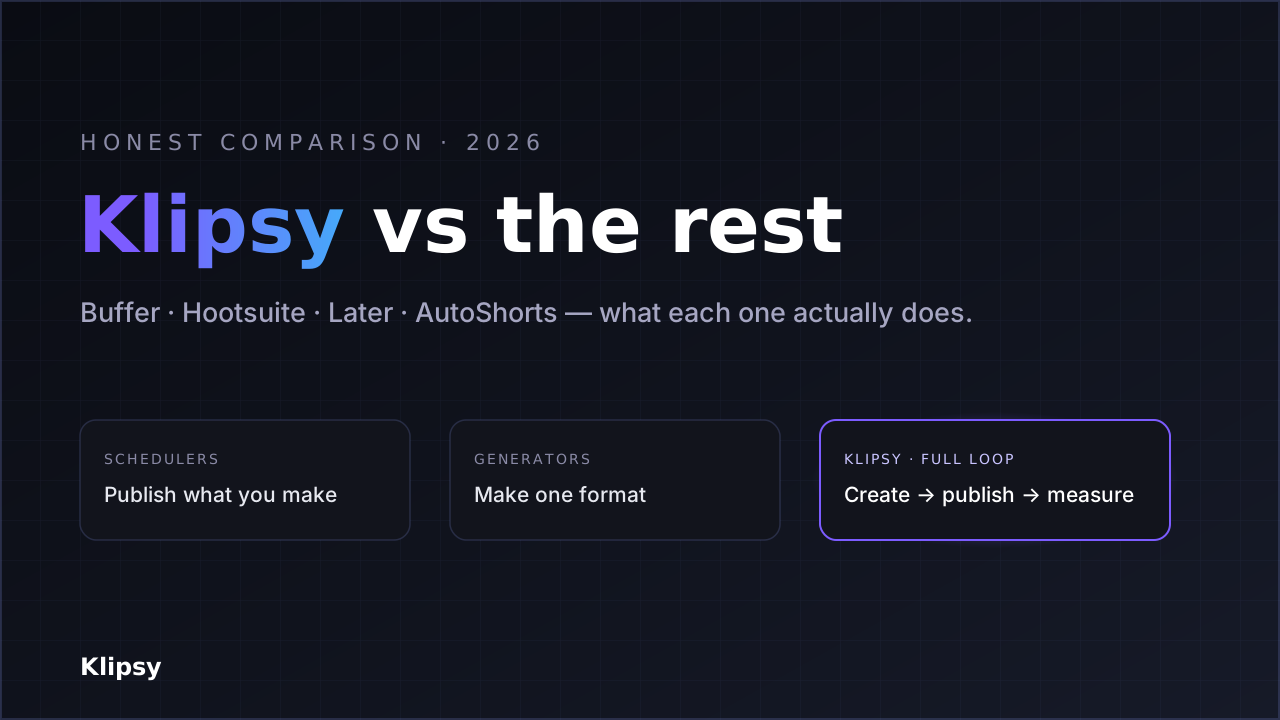
Most "social media tool" comparisons quietly mix up three different categories: schedulers that publish what you already made, generators that make one kind of content, and tools that try to run the whole loop. Klipsy, Buffer, Hootsuite, Later and AutoShorts.ai are not five versions of the same thing — they sit in different categories, and the right pick depends entirely on which job you're hiring the tool for. This page lays out what each one actually does, what it costs (verified July 2026), and where each is the honest best choice — including where a competitor beats Klipsy.
Pricing note: all prices below were verified in July 2026 from each vendor's public pricing page and independent reviews (sources at the end). Prices change often — check each vendor before you buy.
The three categories, in one sentence
- Schedulers (Buffer, Hootsuite, Later): you bring the content; they queue and publish it, and report basic analytics.
- Faceless video generators (AutoShorts.ai): they generate a finished faceless video and post it, but that's the one format they make.
- Full-loop automation (Klipsy): create the content — AI video, image + text, or plain text posts, or drop in your own — plan months ahead with the Content Calendar, publish it natively, and track what worked so the next post is better. Faceless video is one format it makes, not the whole product.
Side-by-side comparison
| Klipsy | Buffer | Hootsuite | Later | AutoShorts.ai | |
|---|---|---|---|---|---|
| Category | Generate + publish + track | Scheduler | Scheduler / management | Visual scheduler | Faceless video generator |
| Generates faceless video | Yes (AI) | No | No | No | Yes (AI) |
| Generates image + text posts | Yes | No (AI text drafts only) | No | No | No (video only) |
| Generates plain text posts | Yes | No | No | No | No |
| Post your own content too | Yes | Yes | Yes | Yes | No |
| Plan months in advance | Yes (Content Calendar, 12 months) | Yes | Yes | Yes | No (fixed cadence) |
| Publishes natively to | TikTok, YouTube, Instagram, X | Many platforms | Many platforms | Instagram, TikTok, Facebook, etc. | TikTok, YT Shorts, IG Reels |
| Tracks views/likes/comments/shares | Yes, per post | Basic analytics | Analytics | Analytics | Limited |
| Ranks your best template | Yes | No | No | No | No |
| Multiple channels / series | Yes (projects) | Per channel | Per account | Social sets | One series per account |
| Query analytics from an AI assistant | Yes (MCP server, paid) | No | No | No | No |
| Entry paid price | $15/mo (Personal) | $5–6/channel/mo (Essentials) | $99/user/mo (Standard) | $25/mo (Starter) | $19/mo (Starter) |
| Free plan | Yes | Yes | No (30-day trial) | Limited | Yes (1 video) |
Pricing, in plain numbers
- Klipsy — Free, then Personal $15, Creator $29, Studio $99, Agency $299/month. One price covers generation, publishing and tracking.
- Buffer — Free (3 channels), Essentials $5–6/channel/mo, Team $10–12/channel/mo. Priced per channel, so every extra platform multiplies the cost.
- Hootsuite — Standard $99/user/mo (10 accounts), Professional $199, Advanced $399, Enterprise custom (reported ~$15k+/yr). Built for teams; priced like it.
- Later — Starter $25, Growth $45, Advanced/Scale $80/month, priced around "social sets."
- AutoShorts.ai — Free (1 video), Starter $19 (3×/week), Daily $39 (daily), Hardcore $69 (2×/day). One content series per account.
The comparison that matters isn't the sticker price — it's price per job done. A scheduler's low per-channel fee doesn't include making the content; a faceless-video tool's fee doesn't include image or text posts, or a second channel.
Which one should you actually pick?
Pick Buffer or Later if you already produce your content and only need a clean, cheap way to schedule and publish it. Buffer is the simplest and cheapest for a couple of channels; Later is strong for visual, Instagram-first planning. Neither generates video for you.
Pick Hootsuite if you're a larger team or agency that needs approval workflows, inbox management and deep multi-account administration, and the per-user price is justified by the headcount using it.
Pick AutoShorts.ai if you want exactly one thing: a single faceless video series posted on a fixed cadence, and you don't need image posts, text posts, X, multiple channels, or template-level performance analytics.
Pick Klipsy if you want the whole loop in one place — create video, image + text and plain text posts (or bring your own), plan months ahead with the Content Calendar, publish natively to TikTok, YouTube, Instagram, X, Facebook Pages and Telegram, run more than one channel, and see which template actually earns views so the next batch is better. Faceless AI video is one of the formats it generates, not the limit of it. That's the gap Klipsy fills: schedulers don't create, single-format generators make one thing, and neither closes the measure-and-improve loop. (See how the loop works, or why Klipsy over standalone tools.)
What Klipsy deliberately doesn't do
To keep this honest: Klipsy is not a mature enterprise suite. If you need LinkedIn or Pinterest publishing, a unified social inbox, paid-ad management, or 20-seat team administration today, an established scheduler like Hootsuite covers that ground and Klipsy doesn't. Klipsy's bet is narrower and deeper: the create → publish → measure loop for multi-format content — video, image and text — across six platforms. And Klipsy is a new product — the tools above have years of track record behind them.
FAQ
Is Klipsy a Buffer or Hootsuite alternative?
Partly. Klipsy publishes and tracks like they do, but it also generates the content — video, image and text — which schedulers don't. If all you need is to queue posts you already made, a scheduler is cheaper. If you want the content made and measured too, that's Klipsy's job.
Is Klipsy an AutoShorts.ai alternative?
Yes, and a broader one. AutoShorts.ai generates a single faceless-video series per account. Klipsy generates video plus image and text posts, runs multiple channels, publishes to X as well as TikTok/YouTube/Instagram, and ranks your templates by performance.
What does Klipsy cost compared to these tools?
Klipsy starts free, with paid plans from $15/month that include generation, native publishing and analytics together. Schedulers charge per channel or per user on top of content you supply yourself; AutoShorts.ai starts at $19/month for one video series. See the Klipsy pricing page for the full breakdown.
Which metrics does Klipsy track?
Views, likes, comments and shares — per post, per platform, and attributed to the template that produced them.
Competitor pricing and features verified July 2026 from each vendor's public pricing page and independent reviews. Details change frequently — confirm with each provider before purchasing.
Sources: Buffer pricing, Hootsuite pricing, Later pricing, AutoShorts.ai.