Why choose Klipsy over standalone posting tools
- klipsy vs schedulers
- ai content tool comparison
- social media automation tool
- create publish measure loop
- comparison
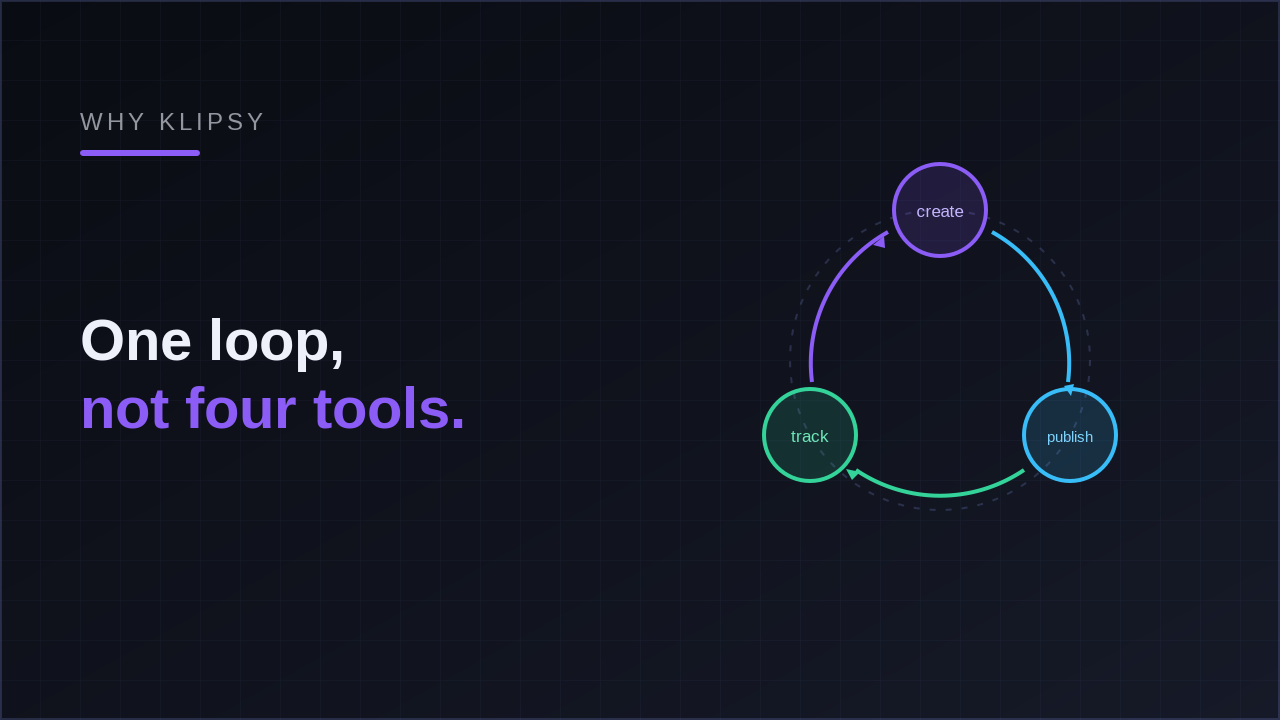
We didn't build Klipsy because the market was empty. It's crowded. We built it because running a content channel today means stitching three or four tools together — one to make the post, one to schedule it, one to publish it, one to read the numbers — and the seams between them are where the time goes.
Here's the honest comparison, category by category.
Schedulers move files — they don't make them
Buffer, Hootsuite and Later are good at one thing: taking a finished post and putting it out on a calendar. That's genuinely useful, but it starts after the hard part. You still have to write the caption (or prompt their AI assistant for one), cut the video, design the image, and export a clean master for each platform yourself. A scheduler is a queue, not a studio. If your bottleneck is producing content — and for most people posting daily, it is — a scheduler doesn't touch it.
Video generators stop at the export
The wave of video-generation tools solved the opposite half: they'll generate a vertical clip from a script or a prompt. But many hand you an MP4 and wave goodbye: you download it, re-upload it into a scheduler, retype the caption per platform, and go read analytics somewhere else entirely. The ones that do post for you make one format, video, on a fixed cadence. And when the same export gets cross-posted everywhere, a clip carrying another app's watermark is exactly what Instagram has said it won't recommend.
Analytics tools measure what you can already see
Standalone dashboards pull your numbers into one screen. Fine — but the metric only matters if it's attached to the thing that produced it. Knowing your account got 40k views last week doesn't tell you which post, which format, which platform earned them. Measurement disconnected from the post is a scoreboard, not a feedback loop.
What Klipsy actually does differently
Klipsy is the whole loop in one place:
- Work in three formats. Edit video you filmed, and generate image + text posts (quote cards, feature spotlights) and plain text posts from the template gallery. Most tools pick one lane; real channels post in all three.
- Publish natively everywhere. TikTok, YouTube Shorts, Instagram, X, Facebook Pages, Threads, Telegram, Pinterest, Bluesky, Mastodon, Tumblr and LinkedIn (personal profiles), each through its official API — clean masters, per-platform captions, no cross-posted watermarks, and the platform's own AI label on AI-made posts where the API offers one.
- Track every post back to itself. Views, likes, comments and shares land against the exact post that earned them — per post, per format, per platform. That's the feedback loop a scoreboard can't give you.
- You own it, and you can watch it. Every post Klipsy generates belongs to you, and any video you cut can be downloaded. Prefer a human in the loop? Flip any automation to review mode and finished posts wait as drafts until you approve them.
For a head-to-head with named tools, see Klipsy vs Buffer, Hootsuite, Later and AutoShorts — what each one actually does, with real 2026 pricing.
The difference isn't a longer feature list. It's that create → publish → measure is one connected pipeline instead of three tools taped together, so the numbers actually flow back and change what gets made next.
When Klipsy isn't the answer
We'd rather you pick the right tool than the loudest one. If you only ever reshare clips from an existing long-form show, a plain scheduler may be all you need. Klipsy earns its place when you're running one or more channels that publish regularly, across formats and platforms, and you're tired of being the glue between four apps.
That's the whole pitch: not a better queue, and not a better generator — the loop that connects them, with the numbers wired back in.
Keep reading
- Klipsy tutorials: a full feature walkthrough — Projects, Templates, Video Editor, Automations, Publishing and Analytics, in order.
- Run your social channels from an AI assistant over MCP — ask Claude or ChatGPT about your numbers, edit videos and publish.
- Klipsy pricing — every plan, from Free up.
- Head-to-head: Klipsy vs Buffer and vs Blotato.