What AI faceless content actually costs: real per-video math
- faceless video cost
- cost per video ai
- ai video pricing
- faceless content unit economics
- video production cost
- cost estimate
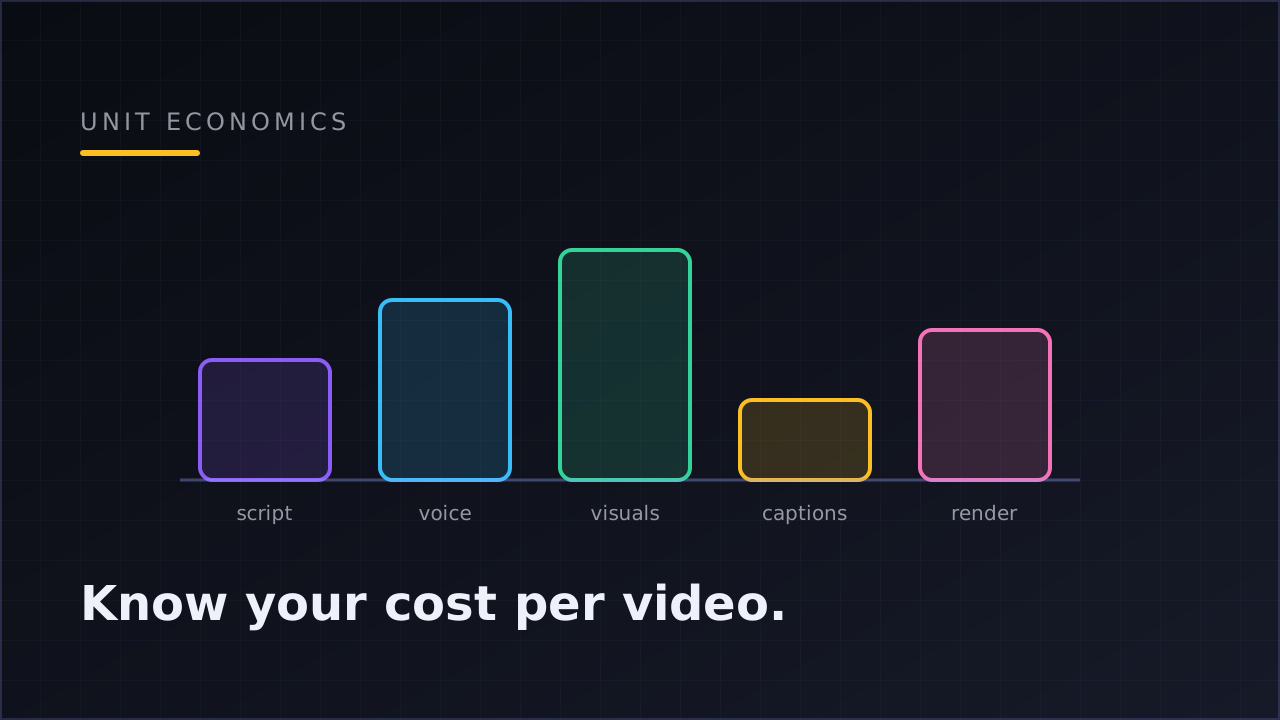
The cost of an AI faceless video is the sum of its stages: script generation, voiceover, visuals, captioning, and rendering. Each stage has its own price driver — words for scripts, characters for voice, images or footage for visuals, minutes for rendering. Your real number is cost per published video, and most creators have never calculated it.
That's the whole thesis of this post: not "here is a price list" (prices change monthly and depend on your stack), but how to compute your own number — because at a daily posting cadence, the difference between a video that costs a little and one that costs a lot compounds thirty times a month.
Why "how much does it cost?" has no single answer
Ask this question in a creator community and you'll get answers ranging from "basically free" to "hundreds per video." Everyone is telling the truth about a different stack. The variables that move the number:
- Video length. A 30-second short consumes roughly half the voiceover characters and visual assets of a 60-second one. Length is the biggest single lever.
- Visual style. Stock footage you already license, AI-generated images, and looping background video have wildly different marginal costs. AI image generation is typically the most expensive visual path per video; a library loop is nearly free after the first use.
- Voice quality. Premium AI voices price per character or per minute of audio; budget tiers exist on most providers. The voice is often the largest line item in a talking-style video.
- Generative video models. Fully generated clips (text-to-video models like Kling or Seedance) sit in a different cost class from assembled videos — powerful for specific shots, expensive as a default for daily volume.
- Failures and retries. The stage everyone forgets. A render that dies at 90% and restarts from zero costs you the whole pipeline again. A pipeline that resumes from the failed stage costs you only that stage.
Because of that last point, pipeline design is a cost feature. It's also why per-stage visibility matters more than any static price list.
The five cost stages of a faceless video
Here's the anatomy of the spend, stage by stage, for the standard assembled short-form video (script → voice → visuals → captions → render):
| Stage | What drives its cost | Your lever |
|---|---|---|
| Script | Length and model quality | Shorter, tighter scripts cost less and perform better in short-form |
| Voiceover | Characters/minutes of audio, voice tier | Voice choice; script length again |
| Visuals | Number of scenes × visual style | Stock or loops for volume; AI images where the niche demands it |
| Captions | Usually bundled with timing/alignment | Rarely the driver — but word-level timing is what makes captions worth having |
| Render | Video length and resolution | 1080×1920 vertical is the standard; resolution above that rarely pays |
Two structural observations fall out of this table.
First, script length taxes every downstream stage. A script that's 20% longer means more voice characters, more scenes to cover, more render time. Cutting script flab is the only optimization that discounts the entire pipeline at once.
Second, visual style is your biggest configuration choice. The same template posting daily with ambient loops versus AI-generated imagery can differ several-fold in monthly spend. This is a per-niche decision: a zen-meditation channel lives happily on loops; a facts channel may need fresh imagery per video.
The math that matters: cost per video × cadence
The unit-economics pattern is simple enough to do on a napkin. To keep the arithmetic honest, the numbers below are deliberately round illustrations — the pattern is the point, your stack sets the real values:
- Suppose your pipeline produces a 60-second video for V dollars all-in.
- Daily cadence = ~30 videos/month = 30 × V in production.
- Post that same video natively to three platforms and your cost per published post is V ÷ 3 — multi-platform publishing is the cheapest amplification you will ever buy, since production is the expensive part and publishing the same file natively costs nothing extra.
So an operator producing daily at, say, an illustrative $2 per video spends about $60/month in production and gets ~90 platform-native posts out of it — roughly $0.67 per published post. Whether your V is fifty cents or five dollars, the structure is identical: cadence multiplies V by thirty, platforms divide it by three. That's why knowing V precisely matters more than shaving any single stage.
This is also the honest way to compare tools. A tool that looks cheaper per month but can't publish to all your platforms natively has a higher cost per published post. A tool that fails renders without resume has a hidden retry tax on top of its sticker price.
Where the money quietly leaks
Beyond the visible stages, three leaks show up in practice:
Re-renders from opaque failures. If a pipeline can't tell you which stage failed — or restart from that stage — every hiccup costs a full video. Over a month of daily posting, even a modest failure rate adds a meaningful surcharge. Resume-from-failed-stage isn't a convenience feature; it's a discount.
Uncapped concurrency. An automation that happily kicks off ten renders at once turns a configuration mistake into a bill. A concurrency-capped queue turns the same mistake into a slightly delayed schedule. (The anatomy of a video automation post covers why backpressure is one of the seams that separates a pipeline from a demo.)
Producing content you never learn from. The subtlest leak: if you can't attribute performance back to the template that produced each video, you keep paying to produce your losing formats at the same rate as your winning ones. Analytics that surface the best-performing template convert your spend from a flat cost into an experiment budget — the core idea of the create → publish → measure loop.
Estimate before you render, not after
The practical fix for all of this is embarrassingly simple: see the cost before and during generation, not on next month's invoice.
This is how Klipsy's Studio handles it — every video shows a per-stage cost estimate, with live progress per stage and resume-from-failed-stage, so the number you budgeted is the number you get even when a stage misbehaves. Whatever tool you use, hold it to that standard: if it can't tell you what this video will cost before rendering it, your unit economics are a guess.
A worked weekly routine for staying on top of it:
- Know your V. Look at the per-stage estimate for your standard template. That's your baseline cost per video.
- Multiply by your cadence. Daily = 30V/month per template. Two templates = 60V. No surprises.
- Divide by your platforms. Publishing natively to TikTok, YouTube Shorts and Instagram turns each production dollar into three posts.
- Check the template signal. If a template is underperforming for a month, you're paying full price for your worst content. Kill or revise it.
- Only then optimize stages. Shorten scripts, swap visual style on the weakest template, reserve generative-model shots (Kling/Seedance) for videos that earn them.
Faceless channels are volume businesses, and how the volume game works is its own topic — how faceless channels actually work in 2026 covers why compounding output beats sporadic brilliance. The cost side of that equation is what we've done here: compounding only works when the unit you're compounding is priced sanely.
FAQ
How much does one AI faceless video cost to make?
It depends on length, visual style, and voice tier — which is exactly why a fixed answer would mislead you. The right move is using a pipeline that shows a per-stage cost estimate for your specific template, then treating that number (V) as the input to your monthly math: daily cadence ≈ 30 × V.
What's the most expensive part of an AI video?
Usually voiceover or visuals, depending on configuration. Premium voices price per character of script; AI-generated imagery prices per image and multiplies across scenes. Fully generative video models are a class above both — use them for specific shots rather than as the daily default.
Does posting to more platforms cost more?
Not meaningfully. Production is the expensive part; publishing the same finished video natively to TikTok, YouTube Shorts and Instagram adds no production cost, so each extra platform lowers your cost per published post.
How do I reduce cost per video without hurting quality?
In order of impact: tighten the script (it discounts every downstream stage), match the visual style to what the niche actually needs, use a pipeline that resumes from failed stages instead of re-rendering, and stop producing templates the analytics say are losing.
Is a cheaper monthly tool always cheaper per post?
No. Compare cost per published post: a tool that can't publish natively to all your platforms, can't resume failed renders, or can't attribute performance to templates carries hidden costs a sticker price doesn't show.