Is automating TikTok or YouTube against the rules? Native publishing, explained
- social media automation rules
- tiktok automation ban
- youtube automation policy
- native publishing
- oauth social media
- account safety
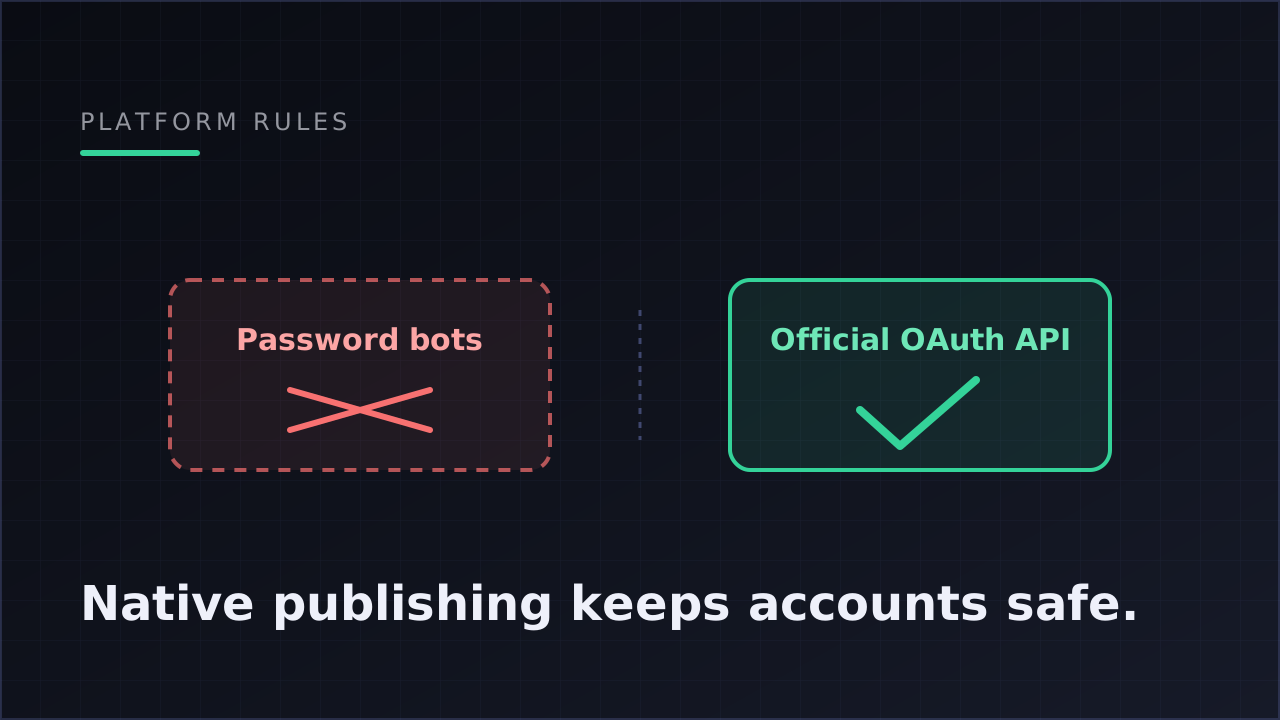
Automating your TikTok, YouTube or Instagram posting is not against the rules — if the automation publishes through each platform's official API, authorized by you via OAuth. What platforms prohibit is unofficial automation: bots that log in with your password, scrapers, and third-party re-uploaders. The line is not "automation vs. no automation." It's "official channel vs. back door."
If you run a faceless account, this distinction is probably the single most important thing to understand about your tooling, because the failure mode is not a post that flops. It's an account you spent a year growing, gone.
Why "automation" has a bad reputation
Every platform's terms of service contains language that sounds, on first read, like a blanket ban on automation. TikTok's terms of service, for example, prohibit accessing the platform with automated systems — bots, scrapers, scripts — except as approved by TikTok. YouTube and Instagram have equivalent language.
That exception clause is the entire story. Platforms don't hate automation; they hate automation they can't see or control. All three run official developer programs precisely so that approved applications can post on users' behalf: TikTok's Content Posting API, YouTube's Data API, Instagram's Graph API. Thousands of legitimate tools publish through these every day, with the platform's full knowledge.
So when someone says "I heard automating TikTok gets you banned," they're half right. The bans are real. They just don't come from using an approved app — they come from the other kind of automation.
The two kinds of automation, side by side
| Unofficial automation | Native (official API) publishing | |
|---|---|---|
| How it logs in | Uses your username and password, or a hijacked browser session | You authorize the app via OAuth — the platform's own consent screen |
| What the platform sees | A suspicious login pretending to be you | A registered app with explicit, limited permissions |
| What it can access | Everything your account can do | Only the scopes you granted (e.g. publish + read analytics) |
| Watermarks / reposting | Often re-uploads content with third-party watermarks | Uploads your original file directly to the platform |
| Revoking access | Change your password and hope | One click — the token dies instantly |
| Terms of service | Violates them | Is the mechanism the terms explicitly carve out |
If a tool ever asks you to type your TikTok or YouTube password into its interface, that alone tells you which column it lives in. Close the tab.
What OAuth actually does (for the non-technical operator)
OAuth is the "Continue with TikTok"-style flow you've seen dozens of times. Mechanically, three things happen:
- You're sent to the platform's own login page — not the tool's. The tool never sees your password at any point.
- The platform shows you exactly which permissions the app is requesting, and you approve or decline.
- The platform hands the app a token — a revocable key that works only for those approved permissions.
A well-built publishing tool treats those tokens with the same care a bank treats credentials. In practice that means four properties worth checking before you connect anything:
- Scoped permissions. The token should allow publishing content and reading analytics — nothing else. No DM access, no follower management, no account settings.
- Encryption at rest. Tokens are stored encrypted, so a leaked database doesn't leak working keys.
- Automatic refresh. Tokens expire by design; the tool should refresh them before expiry rather than letting publishing silently break.
- Instant revocation. Disconnecting an account should kill the token immediately — and you can always revoke from the platform's own settings page too, without the tool's cooperation.
This is how Klipsy's account connections work, and it's the standard you should hold any tool to: publish and read-analytics scopes only, encrypted tokens, auto-refresh, one-click revoke, and every post you generate belongs to you.
Why watermarked reposting hurts you even without a ban
There's a softer penalty that catches many faceless operators before any enforcement does: platforms demote recycled content. Video that arrives carrying another app's watermark — the classic "downloaded from one platform, re-uploaded to another" pattern — is easy for platforms to detect and openly discouraged in their creator guidance.
Native publishing sidesteps the whole issue, because each platform receives your original file through its own upload pipeline. Same video, three clean native uploads to TikTok, YouTube Shorts and Instagram Reels — not one upload and two degraded copies. (Each platform still rewards slightly different things from that same file; what TikTok, YouTube and Instagram each want from short-form covers how to tune for all three at once.)
"But my scheduling tool posts for me and I've never been banned"
Right — because mainstream scheduling tools use the official APIs. That's the point. The scheduler category has been publishing natively for a decade; what's new is that AI systems now automate creation and measurement around the same official publishing path.
The risk profile doesn't change because content is AI-generated. Platforms evaluate how the post arrives (official API vs. credential-sharing bot) and what the content is (their normal content rules apply to generated video exactly as they do to filmed video). An AI-generated motivation short published natively is just a post. The same file pushed through a password-sharing bot farm is a violation — and the content never mattered.
Two content-side notes still worth knowing:
- Platform content rules apply to AI content like any other: no misleading material, follow disclosure rules where a platform requires them for synthetic media (see YouTube's altered-content disclosure and TikTok's AI-generated content labeling), and stay inside the normal community guidelines.
- Volume alone is not a violation, but a sane cadence (daily, every other day) is both safer and better strategy than flooding. Automation should schedule content, not spray it.
What a trustworthy automated publish looks like
Beyond the login flow, you can judge a tool by how it behaves at publish time. A well-behaved system:
- Publishes each platform target independently — one video going to three platforms is three separate attempts, and Instagram failing doesn't block TikTok.
- Surfaces failures with a readable reason — "Reconnect TikTok" — instead of silently dropping the post.
- Marks the overall post completed, partially failed, or failed, and lets you retry just the failed target.
- Publishes idempotently — a retried job can never double-post the same video.
These behaviors matter for safety, not just convenience: silent failures push operators toward exactly the sketchy workarounds that create risk. If you want the deeper mechanics of how a publish pipeline is assembled, anatomy of a video automation walks the template → scheduler → publisher chain block by block, and the create → publish → measure loop shows where publishing sits inside the full system.
A pre-connection checklist
Before you connect any account to any automation tool, run this list:
- Does it authorize via the platform's own OAuth screen (you never type your password into the tool)?
- Are the requested permissions limited to publishing and analytics?
- Can you disconnect instantly, and does the tool say tokens are revoked on disconnect?
- Does it upload your original file natively, with no third-party watermark?
- Does it show per-platform success/failure with reasons, and support retry without double-posting?
- Which platforms — and which formats per platform — are actually live? (Klipsy today: video, image and text to TikTok, YouTube Shorts and Instagram; text and image posts to X. Any tool vague about this deserves suspicion.)
Six yeses and your automation is on the same footing as every mainstream publishing tool the platforms have supported for years.
FAQ
Can TikTok ban you for using automation tools?
TikTok bans accounts for unofficial automation — password-sharing bots, scrapers, engagement automation, and coordinated inauthentic behavior. Publishing through TikTok's official Content Posting API via an approved app, authorized by OAuth, is the sanctioned path and is how legitimate tools post on your behalf.
Is AI-generated content against YouTube or TikTok rules?
No. Normal content rules apply to generated video the same as filmed video: nothing misleading or harmful, and follow each platform's synthetic-media disclosure requirements where they apply. How the post is uploaded (official API vs. credential-sharing bot) is a separate question from what the content is.
Does automated posting hurt reach?
Native API publishing arrives through the same pipeline as a manual upload; the platform treats it as a first-class post. What demonstrably hurts reach is recycled content carrying another app's watermark — which is an argument for native publishing, not against automation.
What happens to my account if I stop using the tool?
You disconnect, the token is revoked, and the tool can no longer do anything. You can also revoke access from the platform's own security settings at any time, without the tool's involvement. Your account, your published posts, and your audience are untouched — you own every post.
Do I still control what gets posted?
Yes, at whatever level you choose. Review mode holds generated posts as drafts until you approve them; without it, posts publish on the schedule you configured. Either way you set the template, the cadence, and the connected accounts.